TUI keys and views
Start the TUI with odoo-work-cli tui [--week YYYY-Www]. Every key can be
changed in the [keys] section of the config;
only the actions you list change.
Key bindings
| Action | Default keys | Where | Does |
|---|---|---|---|
cursor_up |
up, k |
grid, detail, search results | move up |
cursor_down |
down, j |
grid, detail, search results | move down |
grid_next_col |
tab |
grid | next day |
grid_prev_col |
shift+tab |
grid | previous day |
grid_enter |
enter |
grid | open the detail view |
grid_search |
/ |
grid | open the project/task search |
grid_attendance_edit |
t |
grid | edit the attendance of the cursor's day |
detail_edit |
e |
detail | edit the selected entry |
detail_add |
a |
detail | add an entry |
detail_delete |
d |
detail | delete the selected entry (no confirmation) |
search_toggle |
ctrl+a |
search | turn the configured filters on or off |
focus_toggle |
tab, shift+tab |
search, add/edit form, attendance form | switch between field and list, or between fields |
global_prev_week |
left, h |
grid, detail | previous week |
global_next_week |
right, l |
grid, detail | next week |
global_back |
esc |
everywhere | back, cancel |
global_clock_toggle |
c |
grid, detail | clock in or out now |
global_refresh |
r |
grid, detail | reload from Odoo |
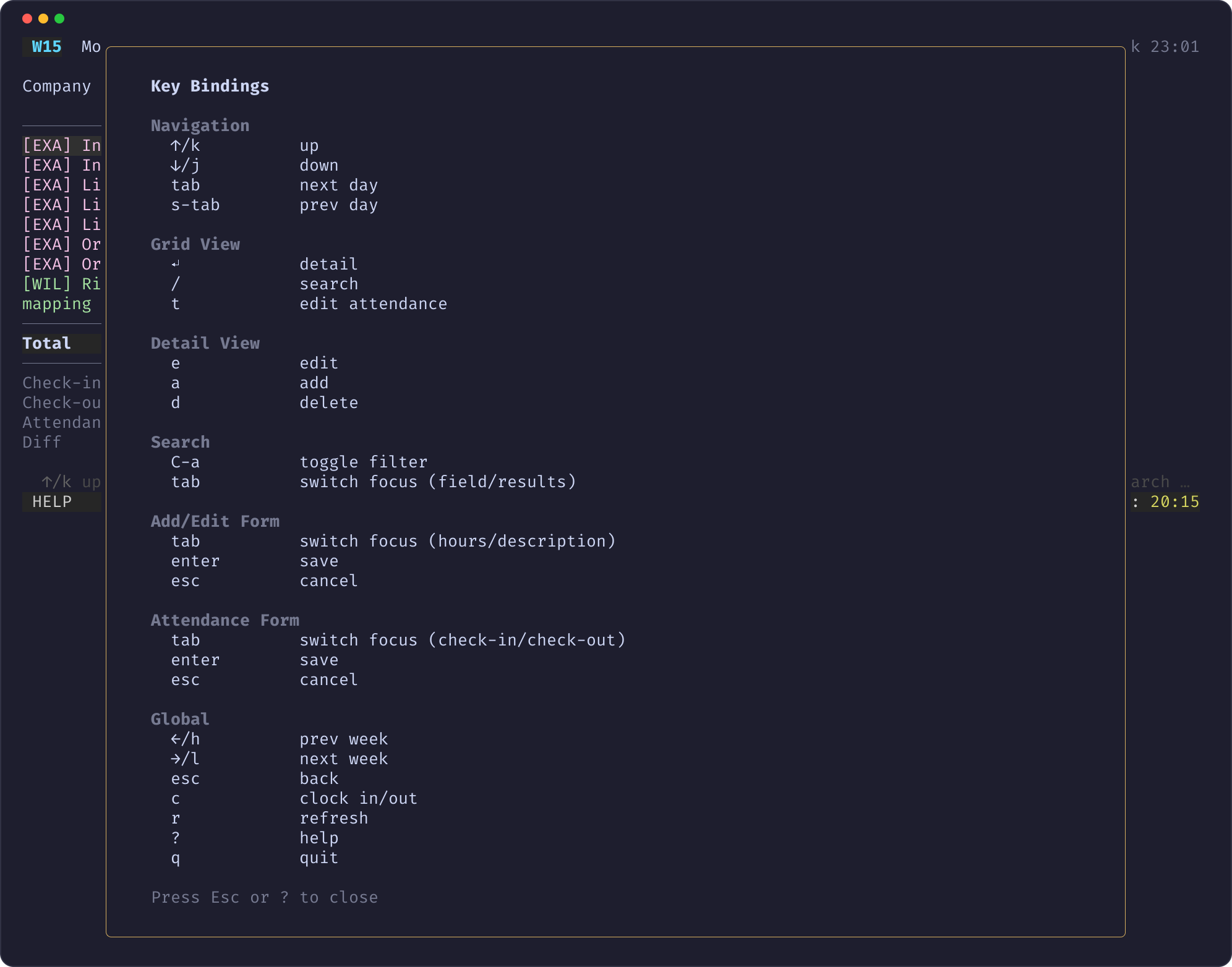
global_help |
? |
grid, detail | help overlay |
global_quit |
q, ctrl+c |
grid, detail | quit |
In forms, Enter saves and Esc cancels.
Typing and bindings
Key bindings never intercept typing. While a text field has focus, every
printable key goes into the field, also if it is bound to an action. Only
non-printable keys (arrows, Enter, Esc, Ctrl combinations) are
matched against bindings there. That is why j, k, h, l, q and ?
are safe defaults.
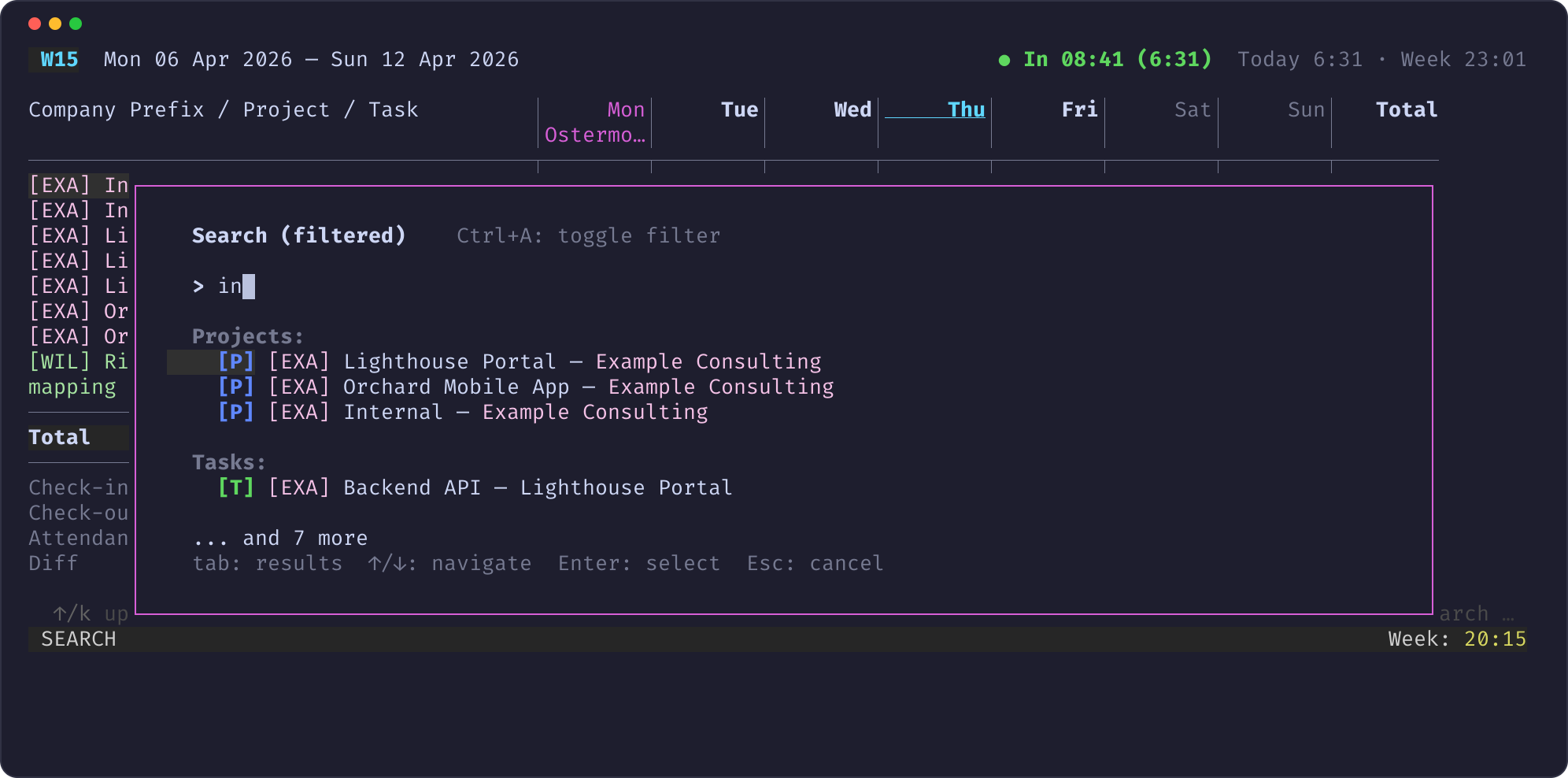
In the search view, the field has focus first. Tab moves the focus to
the results, where cursor_up and cursor_down (also J and K) work.
The focused part is highlighted: a bold > prompt for the field, a bright
selection bar for the list. The hint line names the keys that apply.
Example
Views
| View | Opened with | Screenshot |
|---|---|---|
| Grid | start | grid |
| Detail | Enter in the grid | detail |
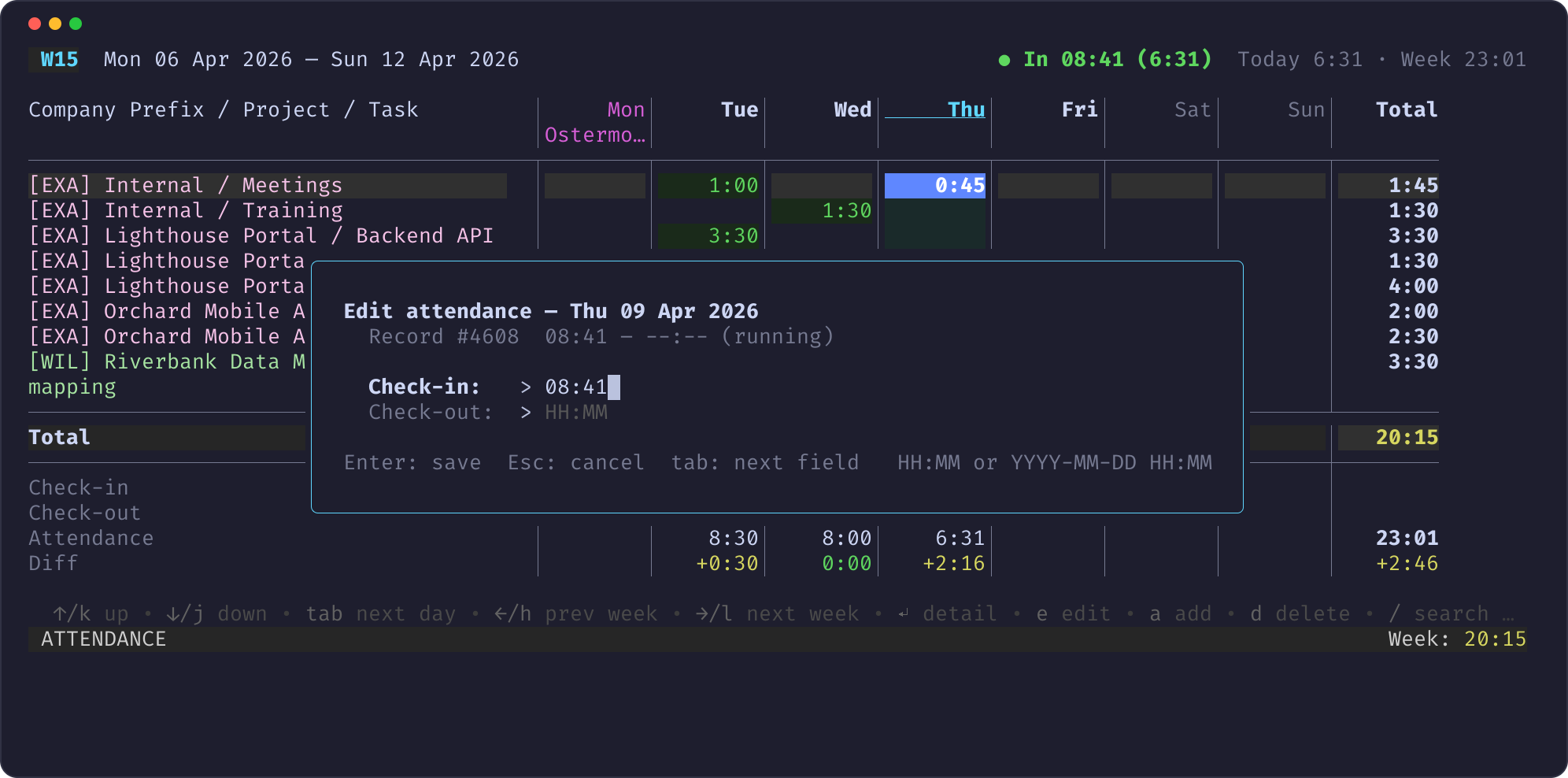
| Edit form | E in the detail view | edit |
| Add form | A in the detail view | add |
| Search | / in the grid | search |
| Attendance form | T in the grid | attendance |
| Help | ? | help |
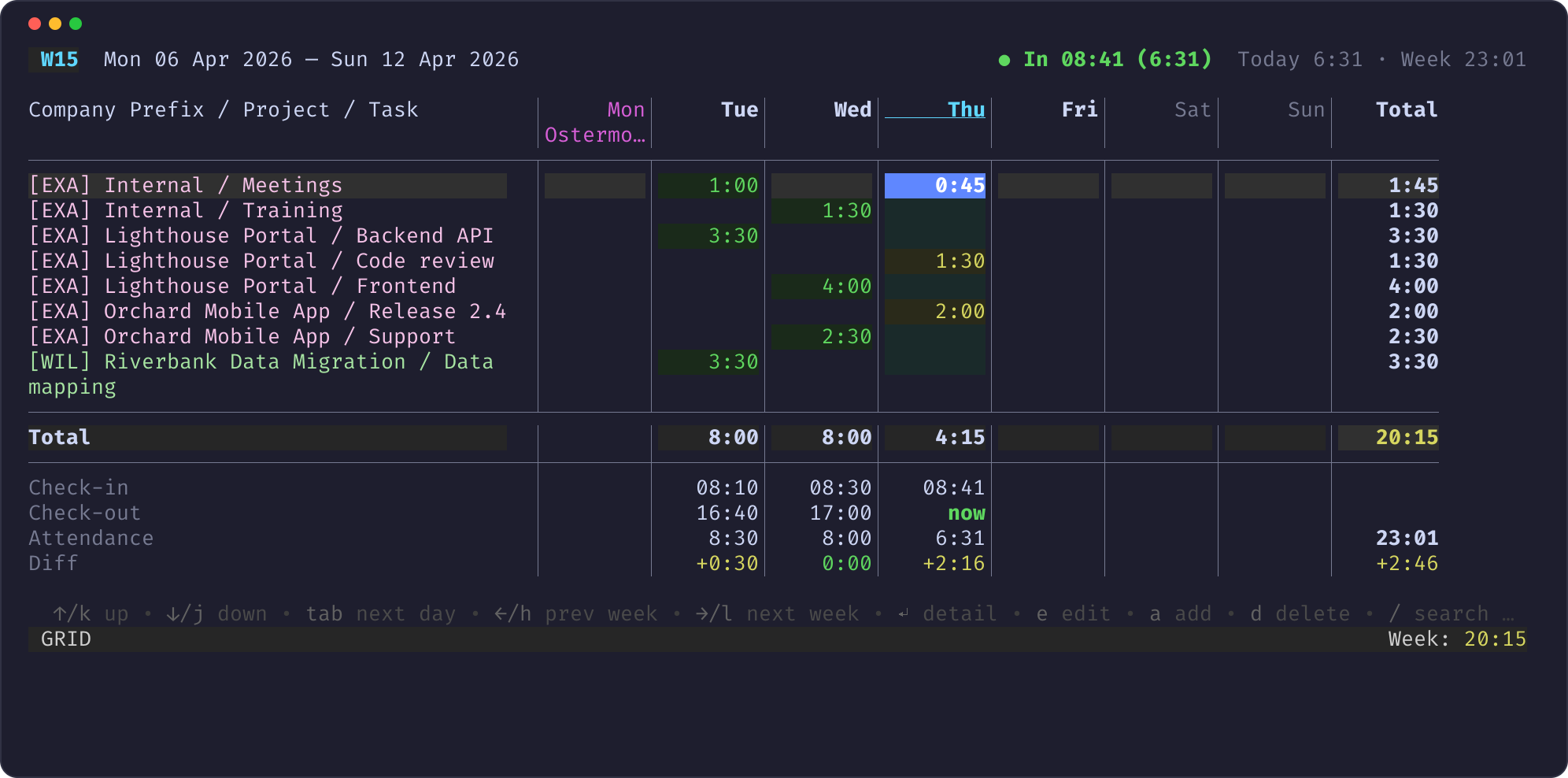
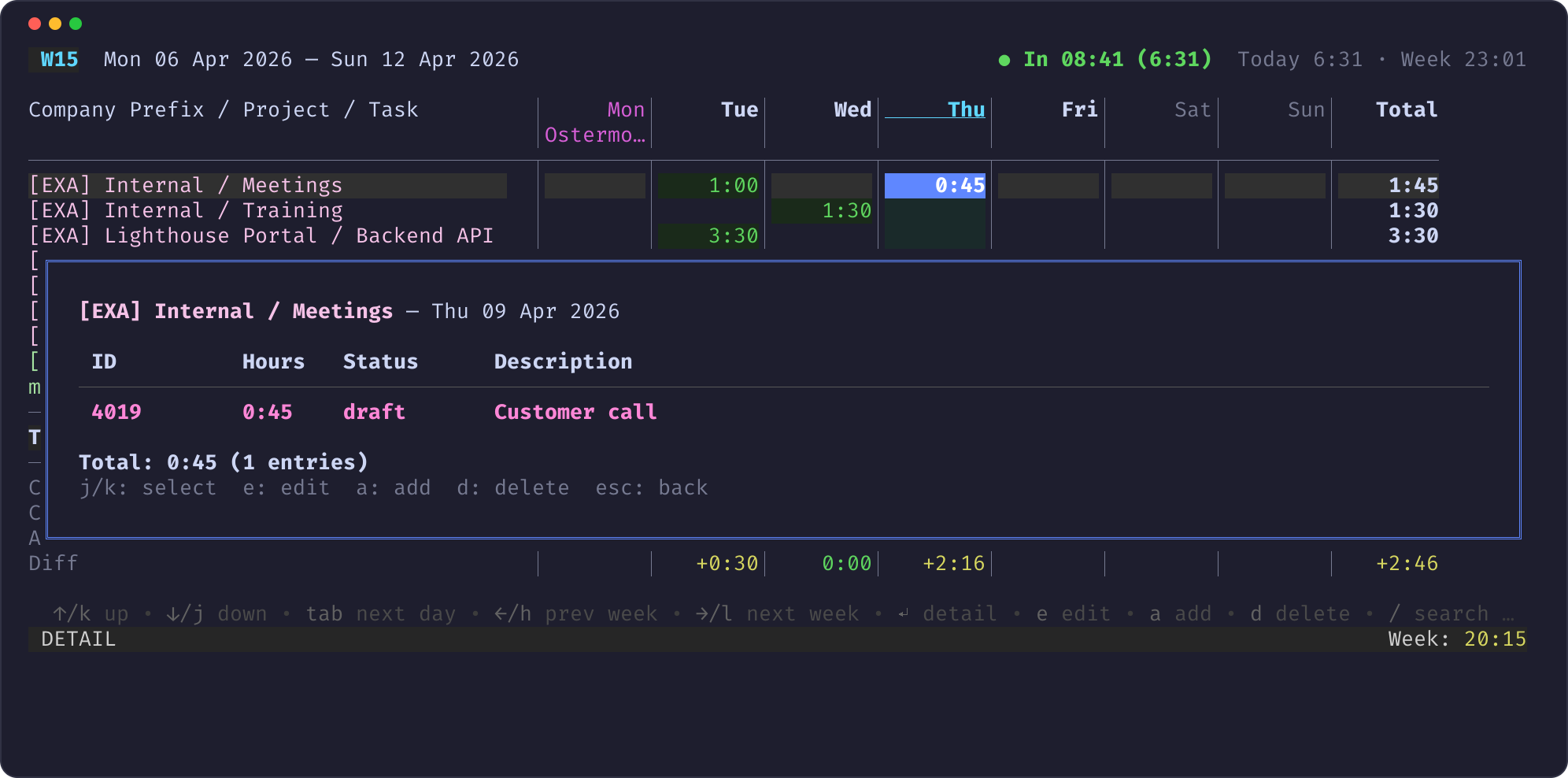
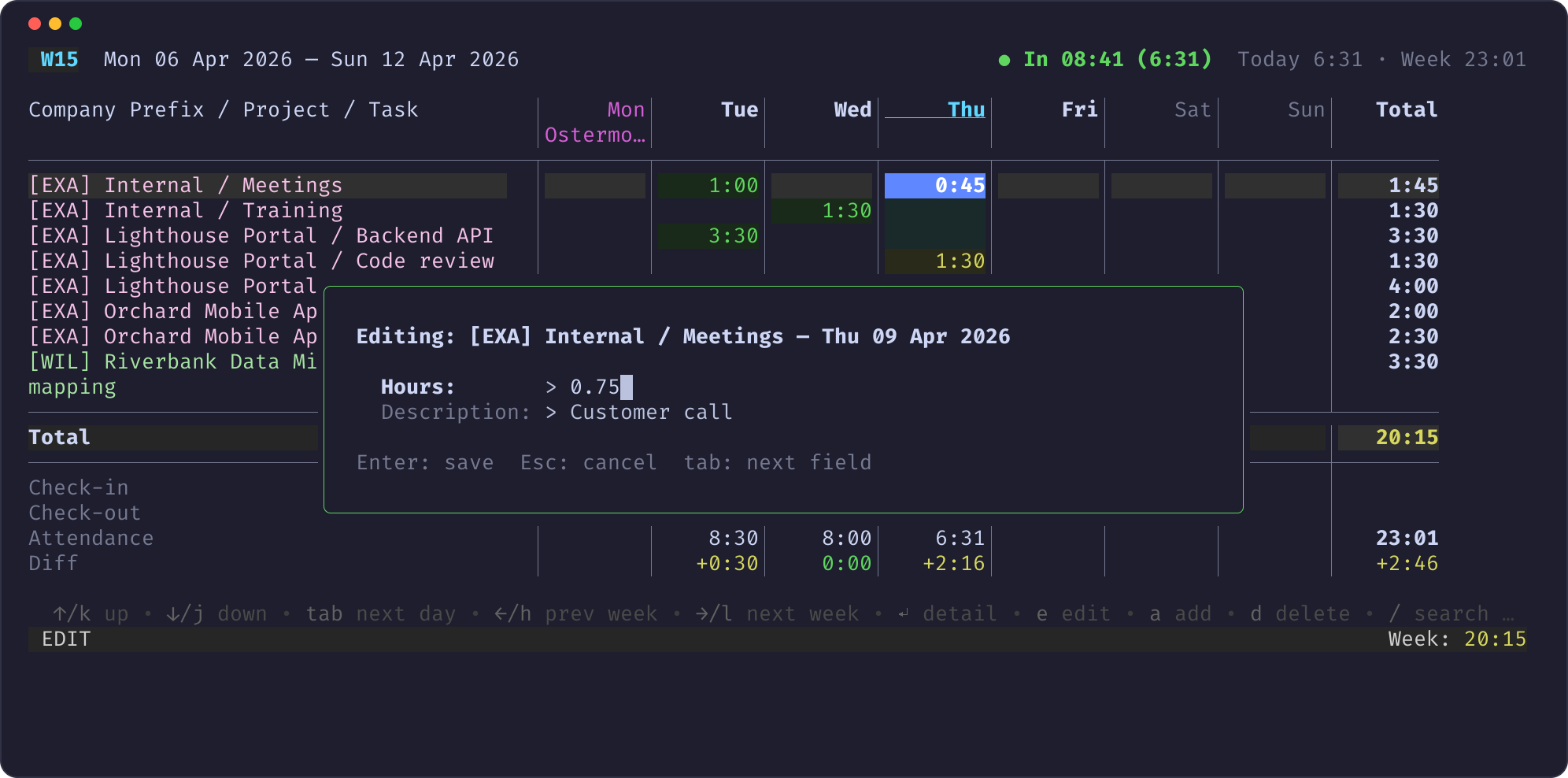
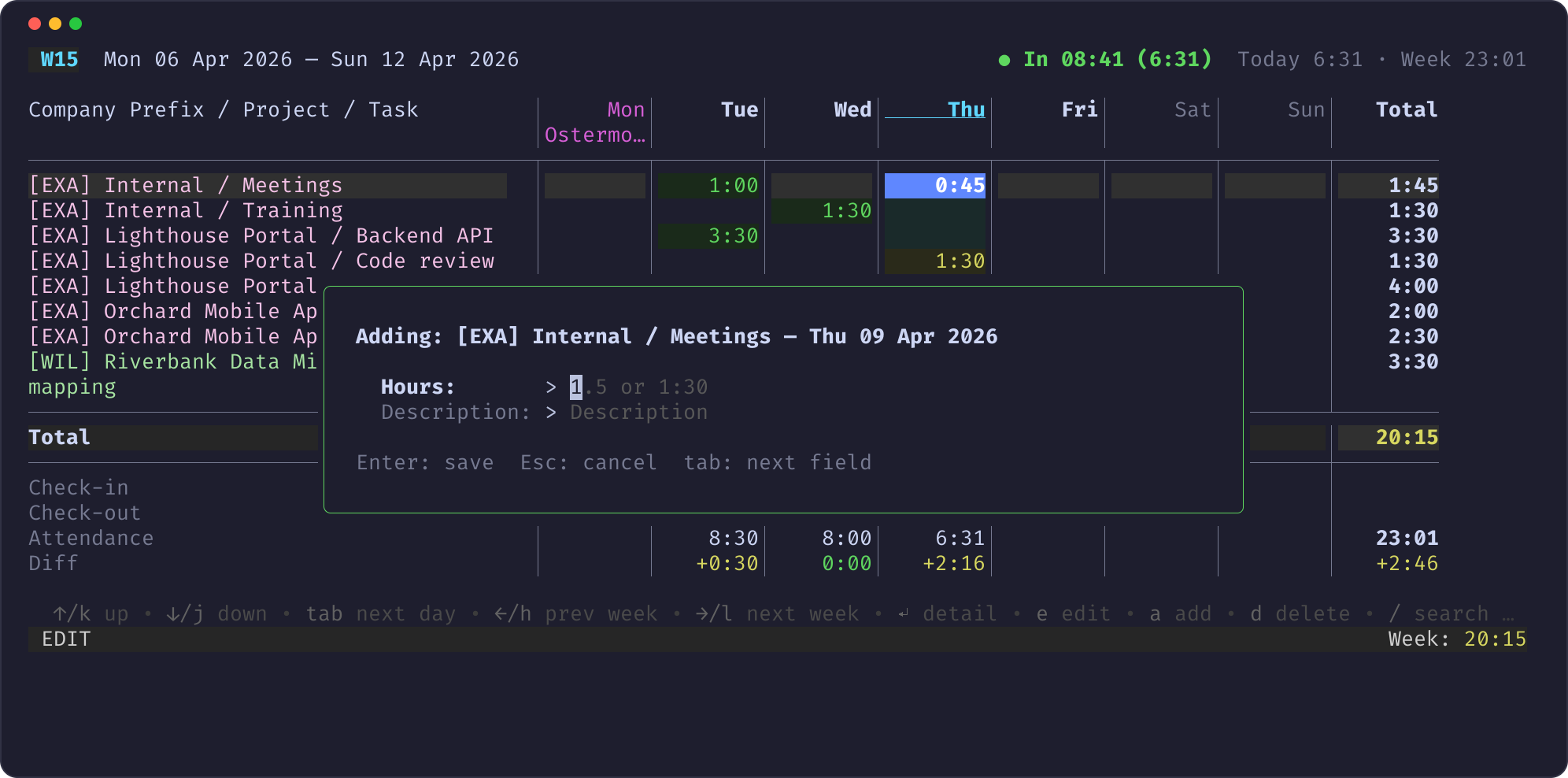
The attendance rows
Below the totals row, the grid shows the attendance of each day:
| Row | Meaning |
|---|---|
| Check-in | earliest check-in of the day |
| Check-out | latest check-out; now while clocked in, HH:MM+ when it is on the next day |
| Attendance | summed attendance of the day's records; a red — on a past workday without any record |
| Diff | attendance − booked hours: yellow + = attended but not booked, red - = booked more than attended, green 0:00 = matches |
Attendance uses Odoo's worked_hours, which excludes the lunch break of
your working calendar. A running record counts the time up to now, without
lunch deduction. A record past midnight counts on the day of its check-in.
The header shows the clock state (● In 08:41 (6:31) or ● Out) and the
attendance totals of today and the displayed week.